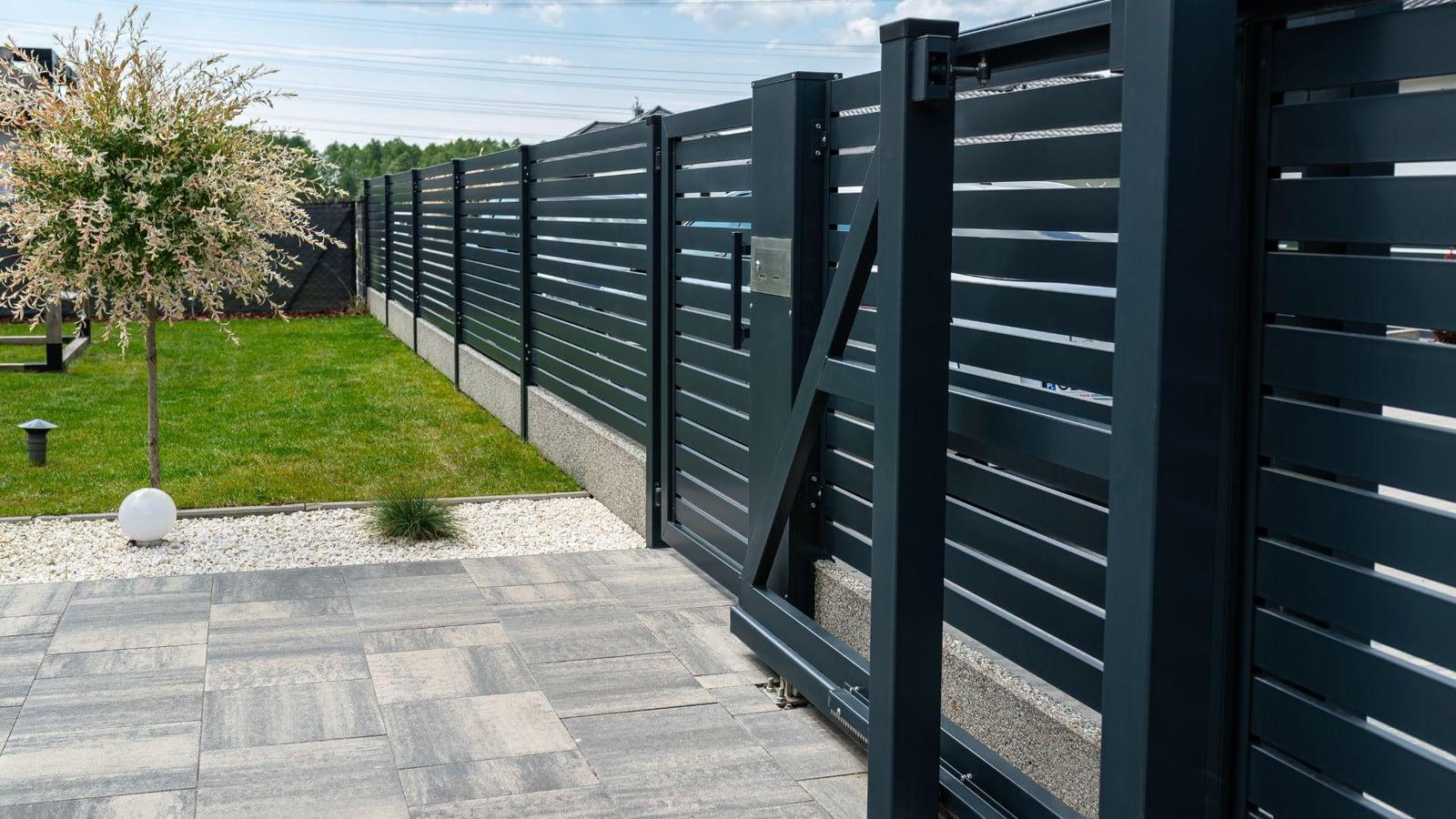
If your fencing business wants more full replacements in the suburbs you already service, getting more clicks for "fencing Perth" is only part of the job. What matters is whether someone in your patch can find a page that answers their questions and makes it easy to ask for a quote. SEO for Perth tradies works best when you start with the work you actually want to book.
Pick one profitable service, a realistic service area and a way to record the enquiries that come in. Work on that service first. After a month, check whether it brought in quotes worth pursuing before you add more pages.
How Perth customers find a tradie on Google
Someone searching for a fence replacement in Cannington might start with the map results to see who works nearby and read reviews. The same person may then open website results to compare materials, see finished jobs and check whether removal of the old fence is included. Your Google Business Profile and your website help answer different questions at different points.
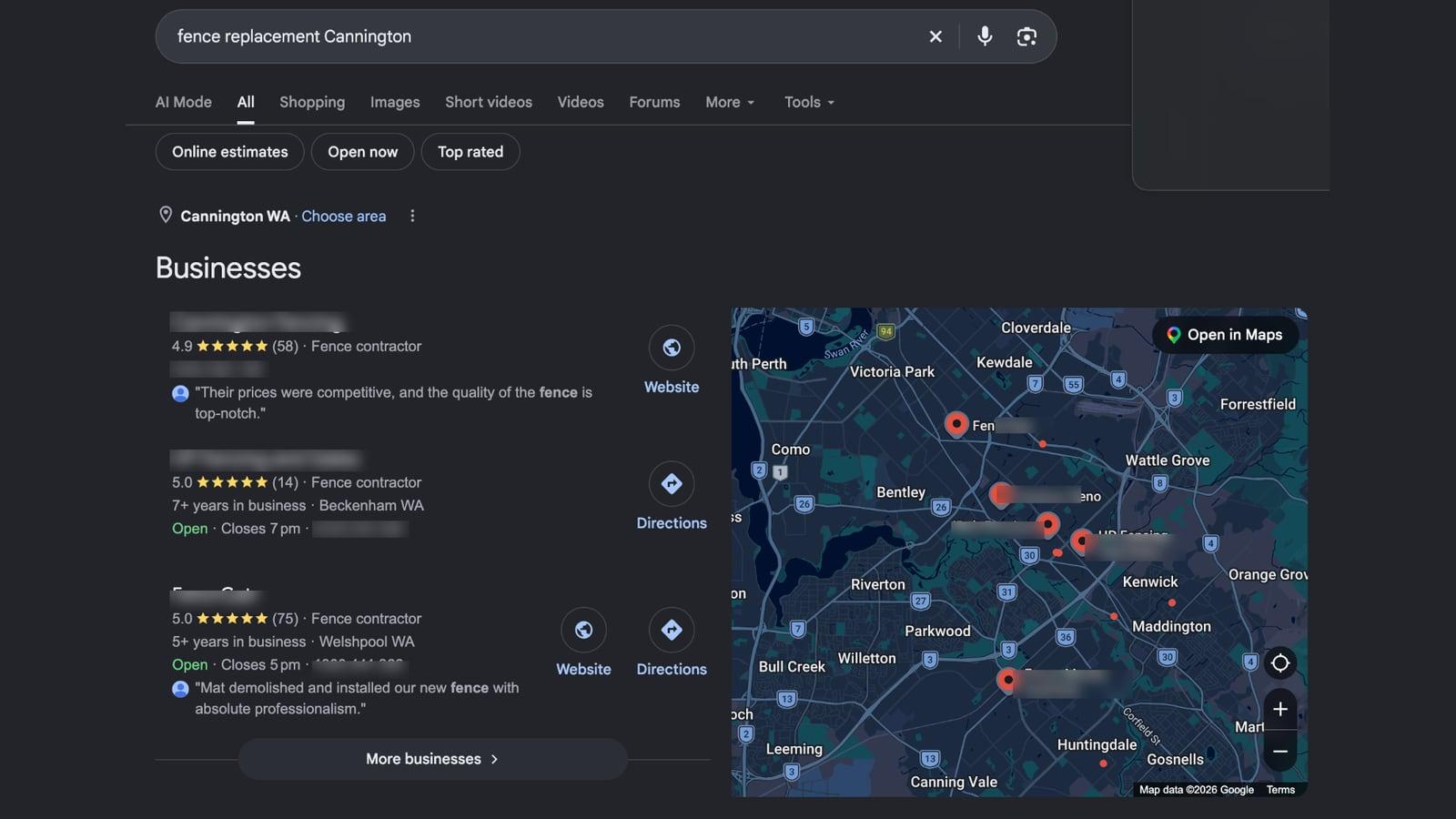
Google explains local ranking in terms of relevance, distance and prominence. Accurate information helps Google and customers understand your business. Distance still depends partly on where a search takes place, so a ranking you see from your workshop can look different to the one a homeowner sees. Set your goals around visibility for the services and areas you can actually handle. See Google's local ranking guidance.
Choose the jobs and suburbs worth targeting
Start with the jobs your crew can do well during a normal week. Look at recent quotes and jobs, then ask which work had a decent margin, which suburbs were practical to reach and which calls took time without producing a booking. A search term can look attractive until you realise most people using it are after a job you rarely accept.
For example, a hypothetical fencing contractor might prioritise full fence replacements in Cannington and nearby suburbs because it can schedule those jobs efficiently. It could still take selected repairs near its base and decline smaller jobs that require long travel. A page about replacements can speak directly to homeowners looking for that work, while a short repairs section sets expectations about the work the crew takes on.
Illustrative job priorities for a Perth fencing business
| Job | Crew capacity | Where it makes sense | Website treatment |
|---|---|---|---|
| Full fence replacement | Can schedule full-day jobs | Cannington and nearby suburbs | Dedicated replacement page |
| Small fence repair | Fit selected repairs between larger jobs | Close to the workshop | Short repairs section |
| New side gate | Depends on installer availability | Areas the crew already services | Separate page only if regularly offered |
Use the words customers already use in emails and calls as a starting point. Note whether they ask about "Colorbond fence replacement", "removing an old fence" or "replacing a shared boundary fence". Check those terms in search and see which results match the work you offer. Start with your closest fit. Add a suburb page only when you have relevant work, photos or useful local details to share.
Make your Google profile match the work you do
Check your primary category, phone number, website address, hours and listed services. Use your actual business name. If you travel to customers and don't receive them at your address, review Google's service-area guidance. Only list areas you genuinely serve. A service area tells customers where you work and does not guarantee visibility across every suburb.
Use recent photos that help customers see the kind of job you do. Ask customers for honest reviews consistently and respond to the reviews you receive. A description such as "replaced the existing side fence and took the old panels away" is useful because it tells the next reader what the crew did. For help with the profile itself, Windpixel offers Google Business Profile optimisation.
Build service pages that answer quoting questions
A fence replacement page should tell a homeowner what you replace, which materials you work with, how you deal with removal and how the quote process starts. Add a photo of a completed job with permission. Explain what the customer should send, such as their suburb, a photo and an approximate length. Finish with a short form or an easy-to-find phone number.
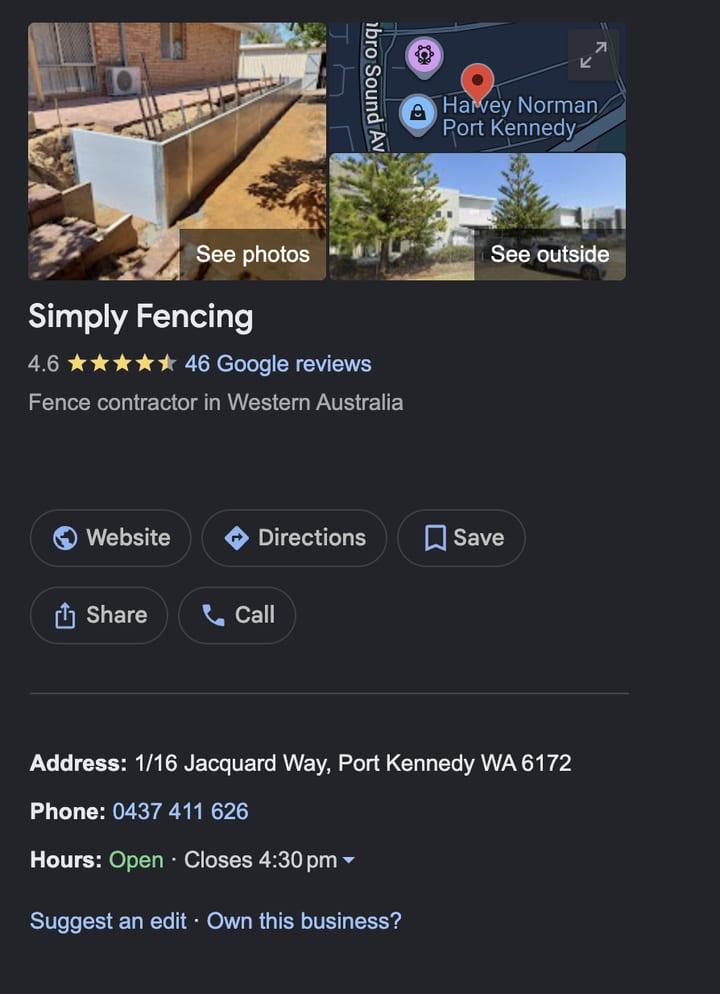
The Simply Fencing website project is a relevant Windpixel portfolio example. Use projects like it to think through the information a homeowner needs before they tap "Request a quote". Keep the service page focused on that decision.
Measure calls and quote requests over the next 30 days
In week one, record the top pages and queries you can see in Search Console, then test your main contact path on a phone. In week two, update the profile and one priority service page. For the next two weeks, log incoming enquiries by source, service, suburb and whether the job was suitable. Compare like periods and mark the date you made changes.
30-day local SEO enquiry check
| Week | What to check | Evidence to keep | Decision to make |
|---|---|---|---|
| Week 1 | Top pages, search queries and mobile contact path | Search Console screenshot and test form or call result | Confirm the starting point |
| Week 2 | Google profile and priority service page updates | Change log with dates | Confirm what changed |
| Weeks 3-4 | Calls and quote requests by service and suburb | Enquiry log or CRM export | Decide whether the work is attracting suitable jobs |
Early search impressions can show that a page is starting to surface. Your enquiry log tells you whether people are asking for the work you want. If people see the page but rarely enquire, review the offer and contact path. If calls arrive for the wrong work, review the queries, headings and service boundaries. If you'd like help deciding where to start, ask Windpixel about local SEO for Perth businesses.
Ready to talk about your project?
Call us today to discuss your website, lead generation, or digital marketing goals.